
Preview reports put GTA 6 sprint on L3. A tap-X toggle is not on the Newswire
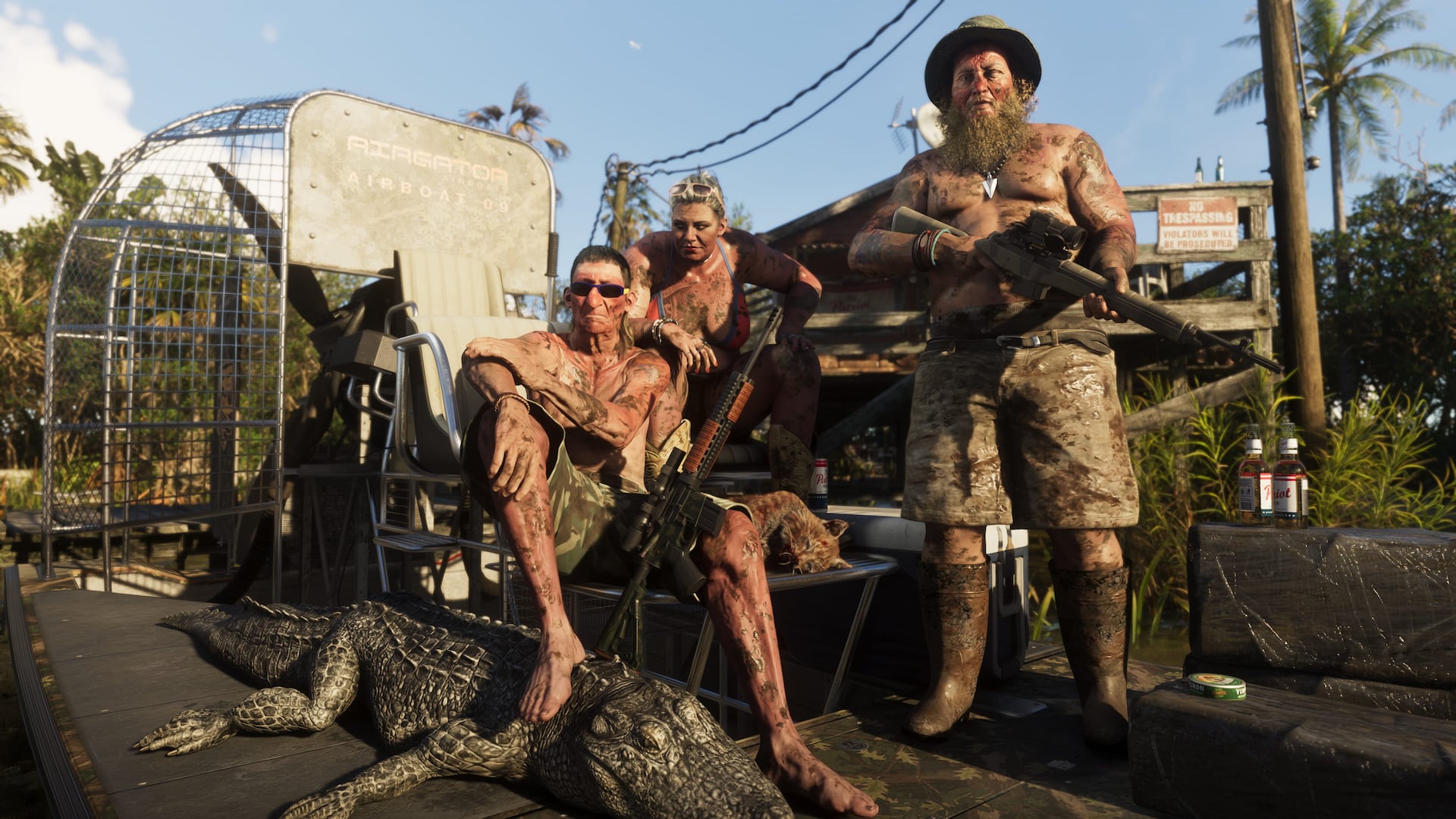
Creator breakdowns on 5 September 2026 put default GTA 6 sprint on an L3 analog click. A classic tap-X toggle is circulating in settings talk, and it is not on the Newswire.
Creator preview Controller reports point to default L3 stick sprinting with legacy tap options unconfirmed
Creator MikeShowSha on 5 September 2026, with coverage cited by DiscussingFilm, Eurogamer, and Kotaku, maps default on-foot sprint in Grand Theft Auto VI to a click of the L3 analog stick. That convention has sat on a face button since Grand Theft Auto III on PlayStation 2, about twenty-five years. Trade accounts also say Vice City locomotion feels snappier than Red Dead Redemption 2's heavy momentum. That is a big on-foot change. It is still preview copy.

For two and a half decades, sprinting in a Rockstar city meant hammering the bottom face button. Fleeing the Los Santos Police Department across an eight-lane highway in GTA V meant a claw grip if you also wanted to check traffic. Putting top speed on an analog click matches modern action games. It also kills the old rhythm.

Camera rotation during L3 sprint across Vice City
The payoff is in a street fight. DiscussingFilm and creator breakdowns say sprint on the left thumb leaves the right thumb on the right stick, so you keep 360-degree camera rotation at full speed. You are not running blind while you mash X, and you are not curling an index finger into a claw. You can sweep firing angles, spot squad cars, and prep a weapon swap without breaking stride. Players on that tape put it in one line:
"End 25 years of button-mashing… Finally, full camera control while running through Vice City."
On-foot locomotion in Vice City compared with Red Dead Redemption 2
The sprint change sits next to revised character physics. Early descriptions say Jason and Lucia move with snappy response, not the inertia Arthur Morgan carried through Saint Denis, where wide turns and long deceleration steps punished tight streets. Vice City's model is tuned for urban gunplay. Rapid sprint-to-cover behind parked cars and sharp reversals let you take a choke point without fighting input lag. Clicking analog sticks for a long campaign still raises the hardware worry in our GTA 6 L3 sprint controls and controller durability piece. Our GTA 6 leak tracker is watching how movement options change across preview builds.

Controller fatigue and mission button counts in GTA V
Nostalgia and hands do not want the same thing. Community tracking updates say DiscussingFilm's post split players on franchise identity. Purists argue face-button mashing simulated exertion on a desperate getaway. Kotaku logged disappointment at losing that quirk. The other camp has the better evidence. Community projects like How Many Presses' GTA 5 mission button breakdown document thousands of repetitive taps just to finish standard missions, and creator How Many Presses noted the extreme fatigue of holding and pressing inputs through long setups. Claw grip was a bug dressed as tradition.

Controller settings for a legacy tap-X sprint
To soothe twenty-five years of muscle memory, preview accounts including HamCraft's GTA 6 sprint analysis say Rockstar North parked an optional classic tap-X toggle in controller settings. That second setting is unconfirmed community reporting until Rockstar North prints the configuration suite on the Newswire. Do not print a toggle Rockstar has not posted. L3 is the default on the tape. The right thumb can look around. That is the job.
Related: What’s confirmed · Lucia · Jason · Leonida map · Map size

GTA 6 Is Locked for 19 November 2026. Six Wagers Are Still Wagers
News
GTA 6 Cash Is Physical Until You Bank It, and Story Missions Wait
News
GTA 6 L3 Sprint: Freeing the Face Button at the Cost of Stick Drift
News
November 19 is locked. Clothing-aware cops still sit in IGN previews
News
Lucia and Jason in GTA 6: What Trailers Show and What Fans Added
News / Rumors Insider Gaming Reports GTA 6 NPC Personality Traits and Campaign Speedrun Locks
 Rockstar Adds GTA Online Halloween Weather Filter Toggle Ahead of GTA 6
GTA 6 Edge Magazine Preview Breakdowns Detail Police Dossiers and Criminal Profile System
Rockstar Adds GTA Online Halloween Weather Filter Toggle Ahead of GTA 6
GTA 6 Edge Magazine Preview Breakdowns Detail Police Dossiers and Criminal Profile System
 Circana Survey Shows 29% Day-One GTA 6 Launch Intent Across US Console and PC Players
 Rockstar Keeps GTA 6 Story Length Unconfirmed as Runtime Theories Spread